
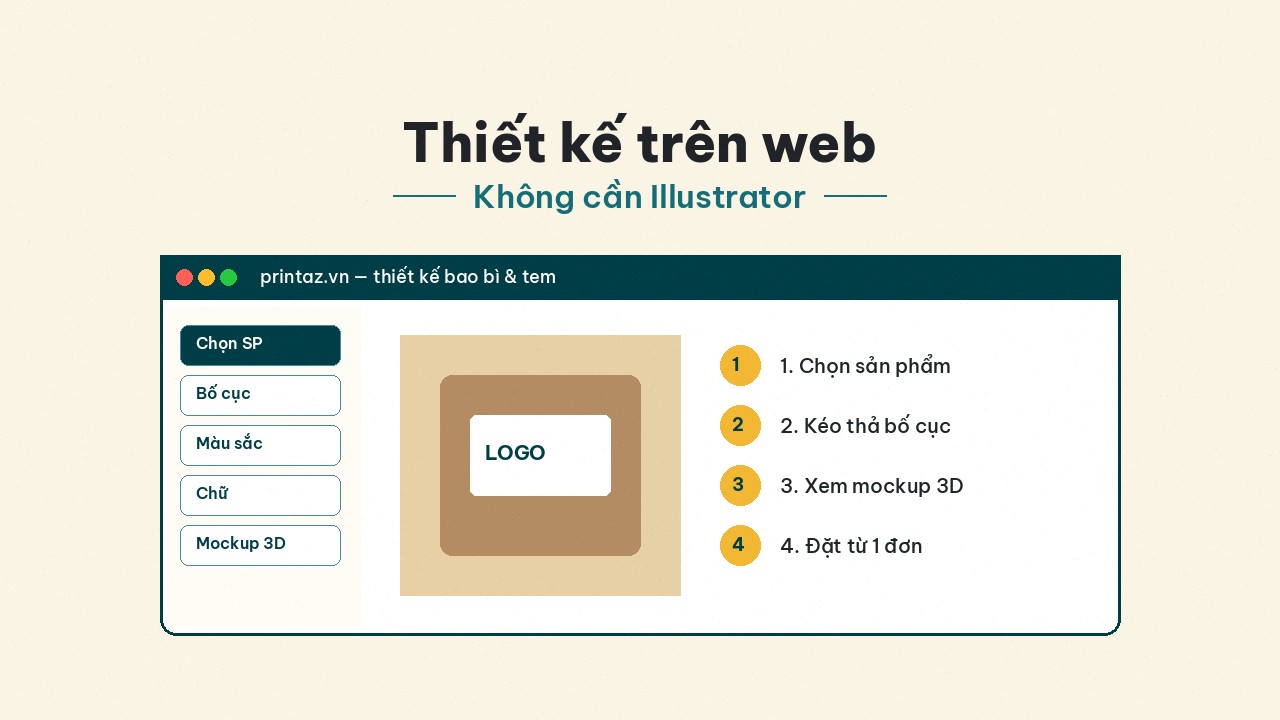
Design packaging and labels on the web — no Illustrator required
The Printaz flow: pick a product → build layout in the browser → review 3D mockup → order from 1 run. Built for multi-industry shops and brands, not F&B-only.
Not every shop has a full-time designer and an Illustrator license. You still need labels for a new SKU, test boxes for a cosmetics line, fashion hangtags, or education-event stickers — and you need them fast, correctly sized, orderable from small quantity.
This article describes the Printaz web design flow: pick a product → build layout in the browser → review a 3D mockup → order from 1 run. It complements existing “no Illustrator” posts on the blog with a multi-industry + full process angle — not locked to F&B or one cup-sticker SKU.
Who should design packaging/labels on the web?
Shop owners / founders doing brand work early on.
Marketing teams that need seasonal copy changes without a designer ticket every time.
Agencies that want clients to tweak text before final file handoff.
Ops teams that need secondary labels (price, lot, promo) quickly.
Retail chains / pop-ups that need many content versions in a single week.
If you already have clean AI/PDF files from a studio — you can still use Printaz for production; this article is for people who want to build or edit on the web.
The Printaz flow in 4 steps
1. Pick the product / size
Paper labels, plastic labels, boxes, bags… — choose the right SKU and size before decorating. Wrong size here costs more than a wrong font. If you are unsure paper vs plastic labels, read the label-materials series on the Printaz blog.
Ask quickly: dry or humid surface? Indoor or cold chain? Does this budget allow paper or need plastic? The right material makes the layout “survive” on real goods.
2. Build the layout in the browser
Add logo, type, background color, barcode/QR space. You do not need Illustrator installed for trial / ops versions. Keep a safe zone: do not push type against the trim. Name versions clearly (promo-tet-v02) so the team does not print the wrong one.
Honest note: web tools speed up layout; for extremely complex identity systems (many spots, special finishes, unusual box structures), you may still need a studio plus plant conversation — Printaz does not claim to replace Illustrator for every premium case.
3. Review the 3D mockup — layout, not color lock
Spin the box / label on the mockup to catch layout issues. Mockup ≠ CMYK soft-proof — see Use 3D mockups the right way. Strict brand color: order a small sample before a large run. Invite one “outsider” to view the mockup — they often catch small type / alignment issues.
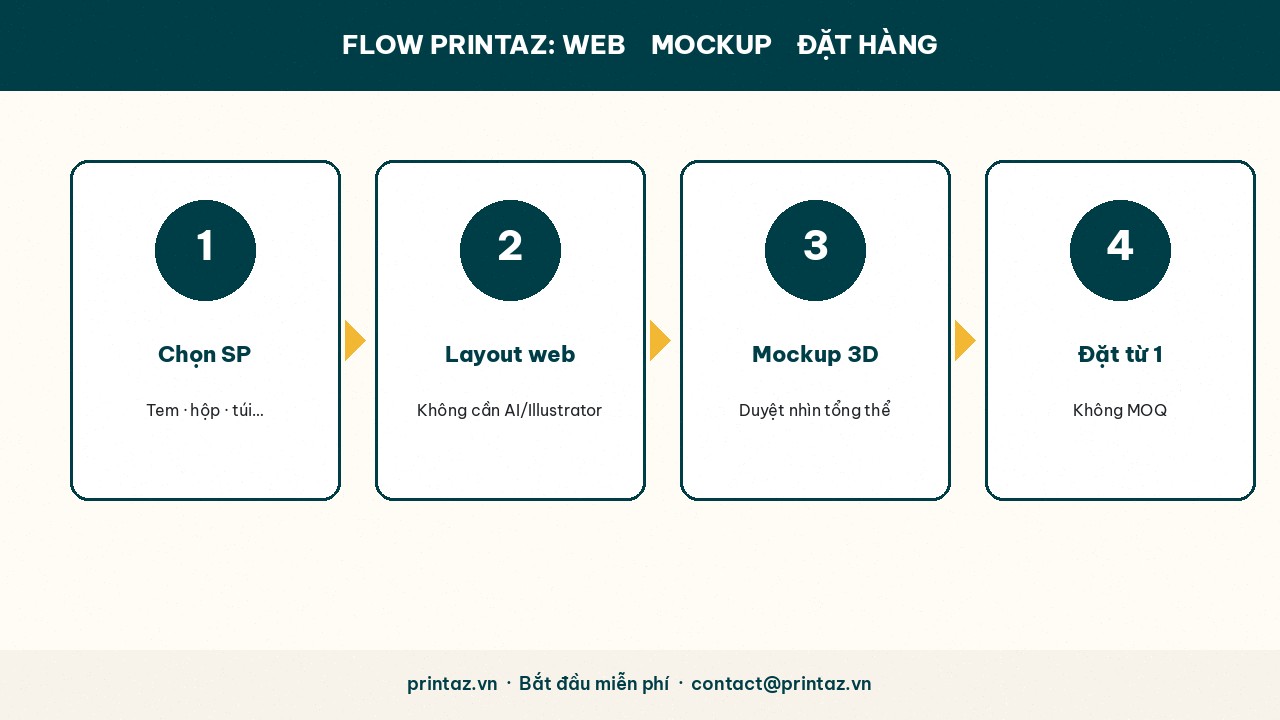
4. Order from 1 run — no MOQ
Printaz accepts from 1 run. Fits SKU trials, pop-ups, event gifts, or learning color on small quantity. When artwork is locked and you need volume, ask for a quote to optimize digital vs offset (see Digital vs offset).
No MOQ does not mean skipping the file checklist if you bring external artwork in: still apply CMYK–dpi–bleed–fonts when relevant.
Vs hiring a designer / sending a traditional plant
ApproachProsCons / notesDesign on Printaz (web)Fast, template-correct, from 1 runUltra-complex brands may still need a studioHire designer + traditional plantHigh customizationEach text tweak can cost time/money; plants may set MOQDIY in AI then send PDFControl if you know prepressEasy to hit the 5 file mistakes (RGB, bleed, fonts…)
The file checklist still helps if you export / bring external files in: Print-file checklist and 5 file mistakes that get rejected.
Multi-industry — concrete examples
Cosmetics / mother & baby: moisture-resistant plastic labels + 20–100 test boxes on the web; trial before retail chains.
Fashion: hangtags + size stickers; seasonal changes without opening Illustrator every drop.
Retail / grocery: short-run promo labels, many price versions.
Education / events: gift stickers, gift packaging with day-by-day names.
F&B still works — it is just not Printaz’s only audience.
When you should still call a designer / studio
Identity systems with many Pantones / complex finishes (foil, intricate spot UV).
New box structures that need packaging engineering + a white sample before artwork.
Large campaigns needing complex motion / photo work across many synchronized SKUs.
Even then, Printaz remains useful for secondary SKUs, ops labels, or small parallel trials — it does not have to be all-or-nothing.
What Printaz does not claim (set expectations)
No claim of auto file-check or automatic print-ready export as a live feature.
3D mockups are not CMYK soft-proofs.
Machine / plant unit prices in internal learning notes are not public Printaz prices — every order uses on-site pricing or a quote.
CTAs and next steps
1. Go to printaz.vn → Start free → pick labels or packaging.
2. Build layout → review 3D mockup → order 1 trial run if you need to lock color.
3. Need advice on materials / large qty / existing files: Get a quote — [email protected].
Summary
You can design packaging and labels on the web with Printaz without Illustrator for most shop/brand ops and SKU-trial needs. Flow: pick product → browser layout → mockup (layout) → order from 1 run (no MOQ). Keep honest expectations on color and files; when ready — Start free / Get a quote — [email protected].
Share this article