
Blog
Practical insights and real-world experience in packaging design and printing.
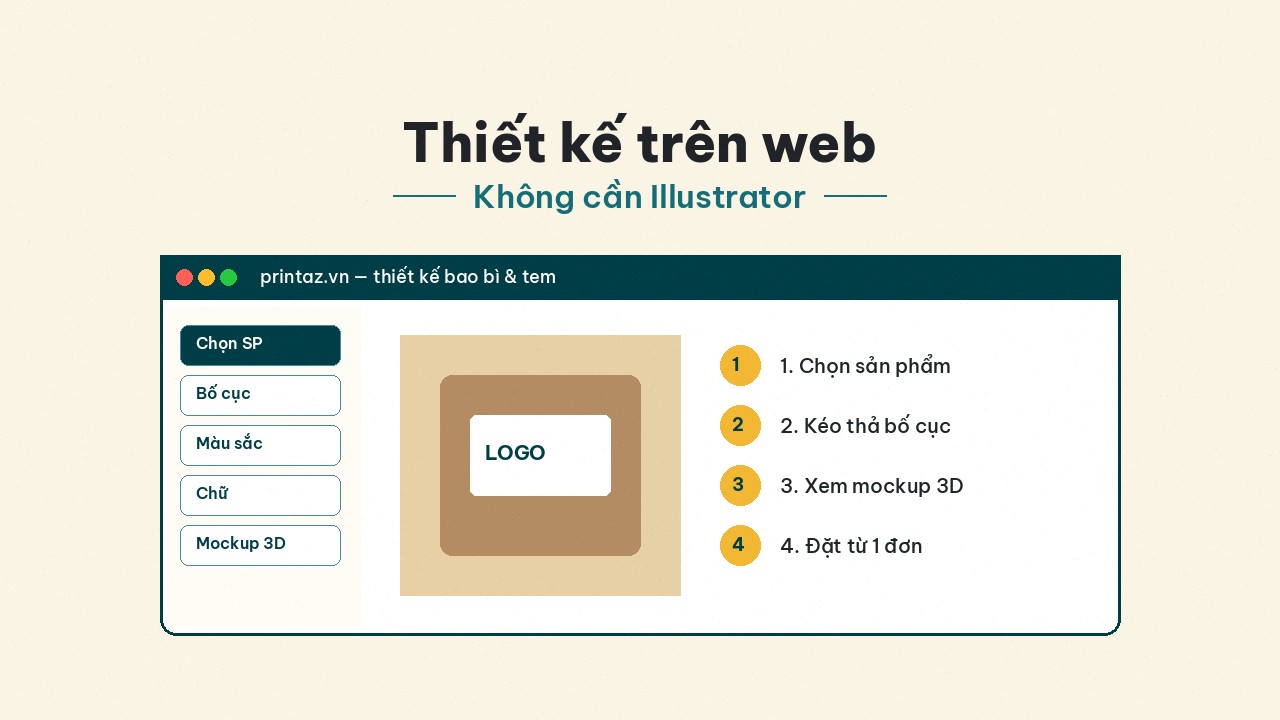
Design packaging and labels on the web — no Illustrator required
The Printaz flow: pick a product → build layout in the browser → review 3D mockup → order from 1 run. Built for multi-industry shops and brands, not F&B-only.
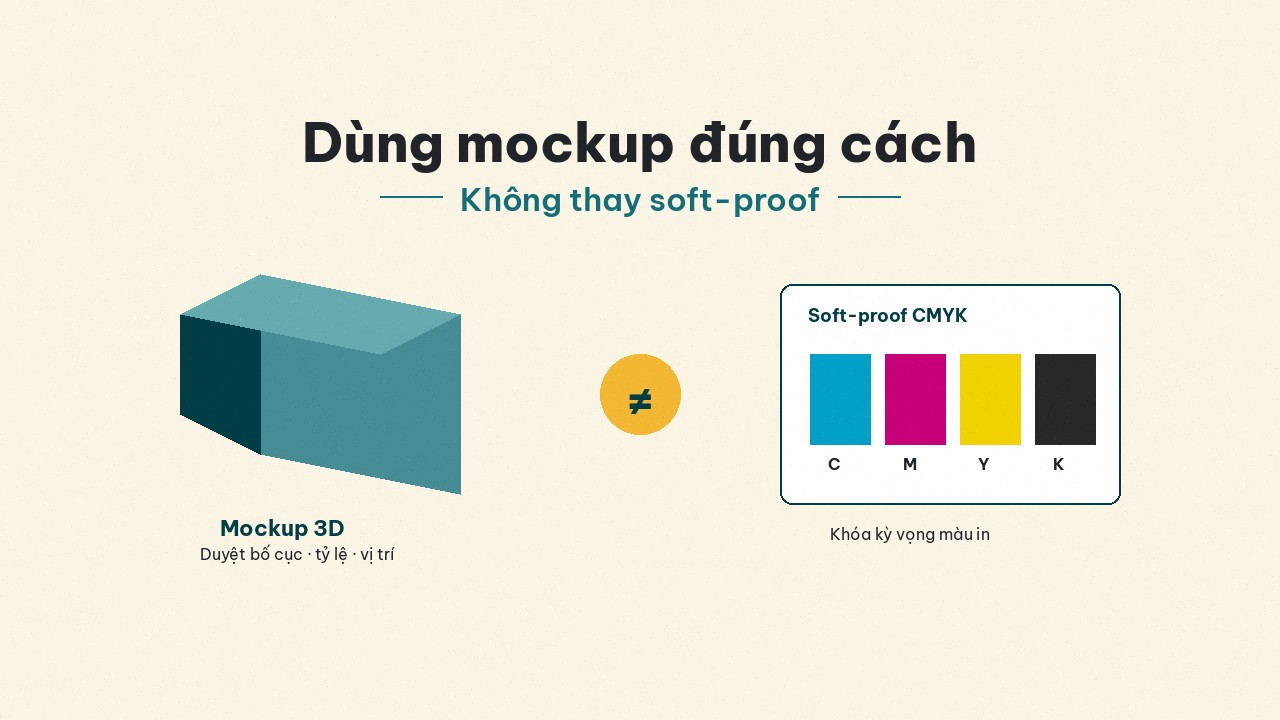
Gorgeous 3D mockups, shifted print — how to use mockups the right way
3D mockups are for layout approval, not CMYK soft-proofs. A 4-step process to reduce color shift for labels and packaging on Printaz.
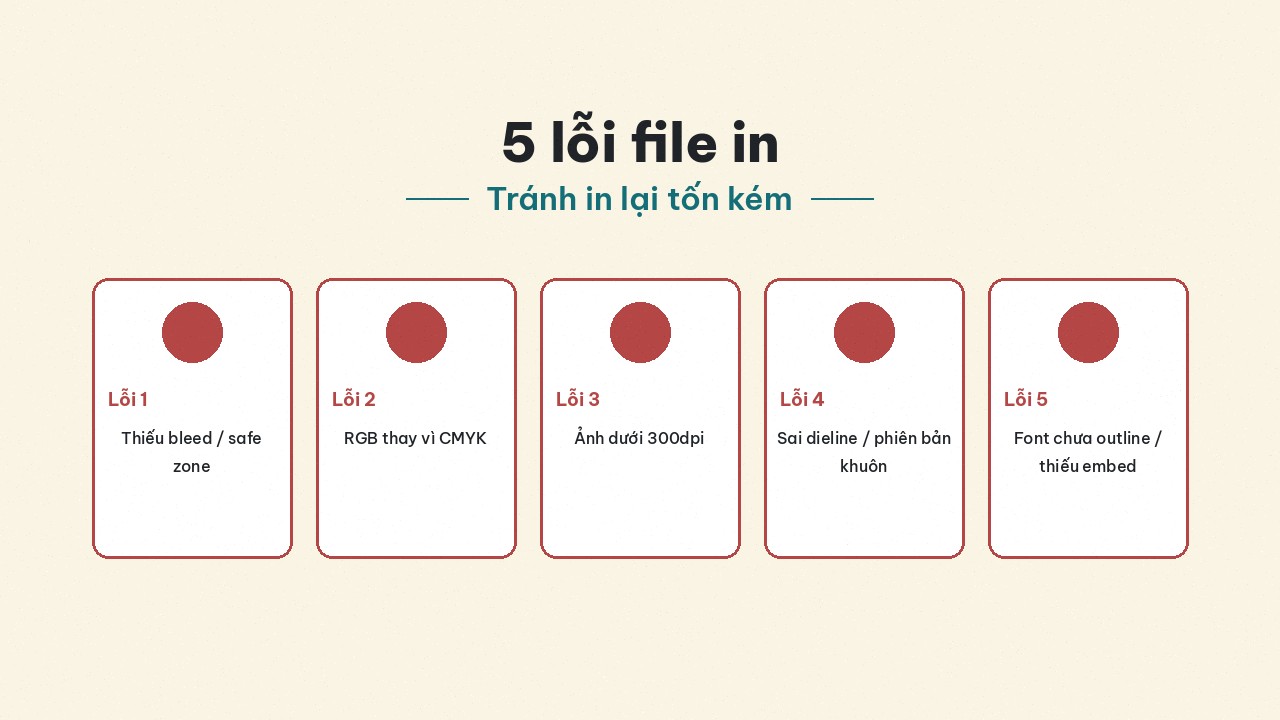
5 file mistakes that get rejected or force costly reprints
Five expensive prepress mistakes: leftover RGB, missing bleed, fonts not outlined, low dpi, wrong dieline — how to catch and fix them before the plant or a Printaz order.
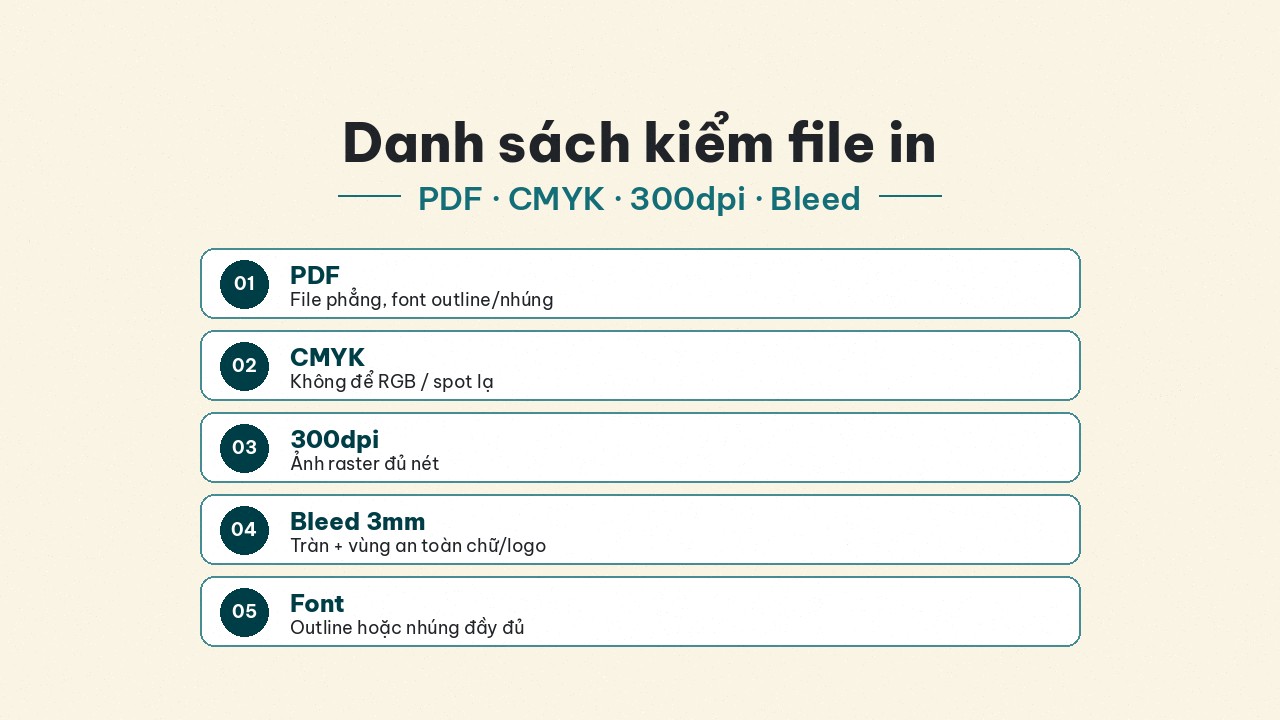
Print-file checklist: PDF, CMYK, 300dpi, and 3mm bleed
Five pillars before you send files to a plant: PDF export, CMYK, 300dpi, ~3mm bleed, convert/embed fonts — avoid costly reprints for labels and multi-industry packaging.
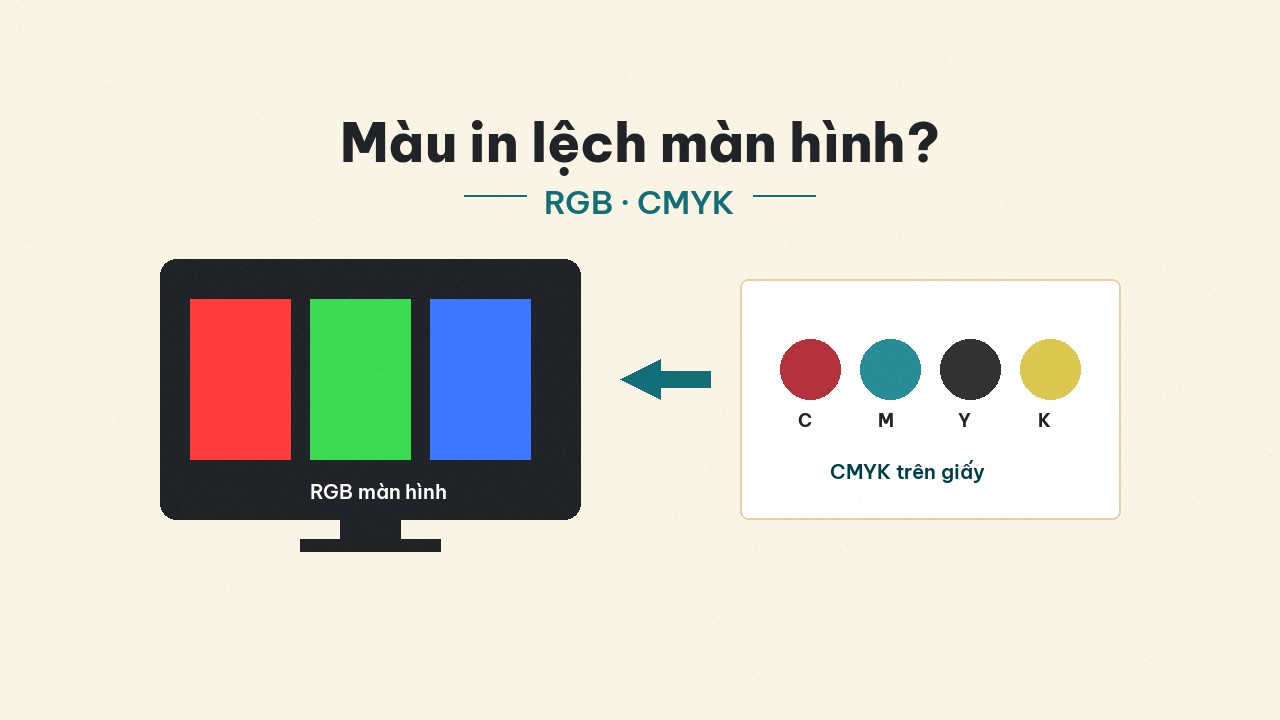
Why print color shifts from the screen? RGB, CMYK, and realistic expectations
A deeper look at why screen color differs on paper: wider RGB gamut vs CMYK, uncalibrated displays, paper–ink–coating — and how to reduce shift before a large run.
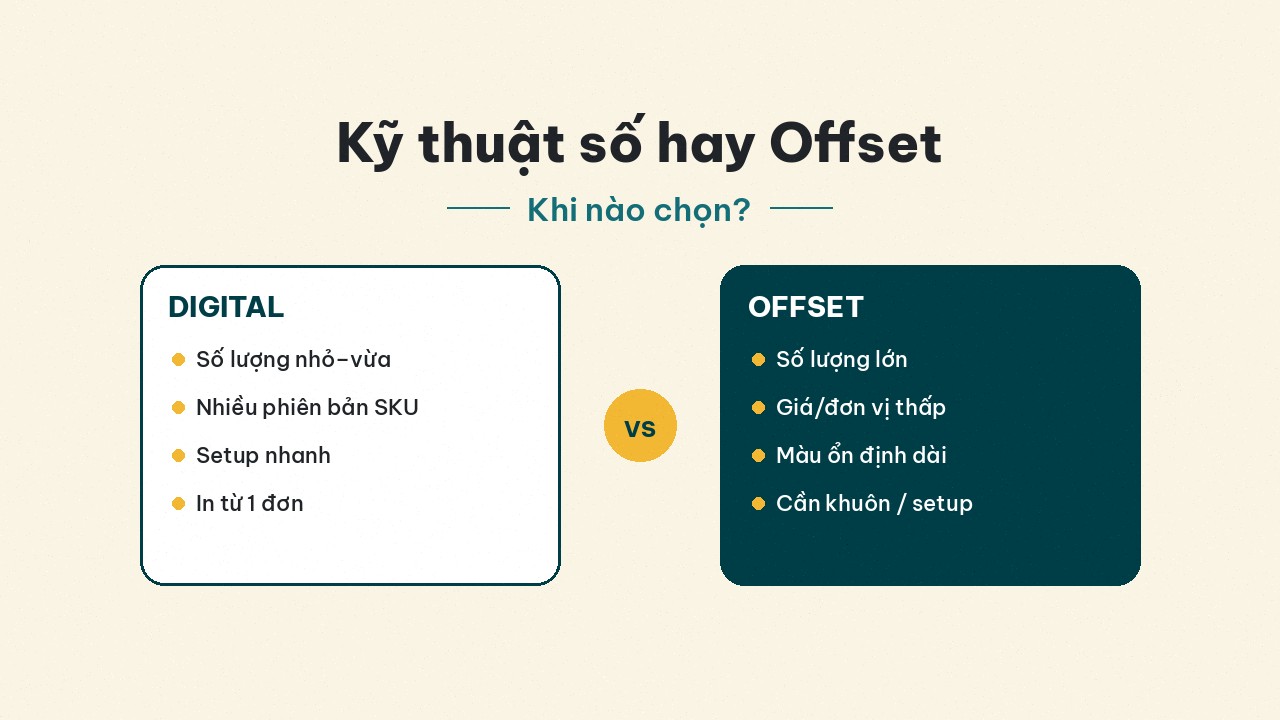
Digital vs offset printing: when should shops and brands choose?
Compare digital and offset by quantity, versioning, color stability, and budget — a decision frame for labels, stickers, test boxes, and multi-industry packaging.
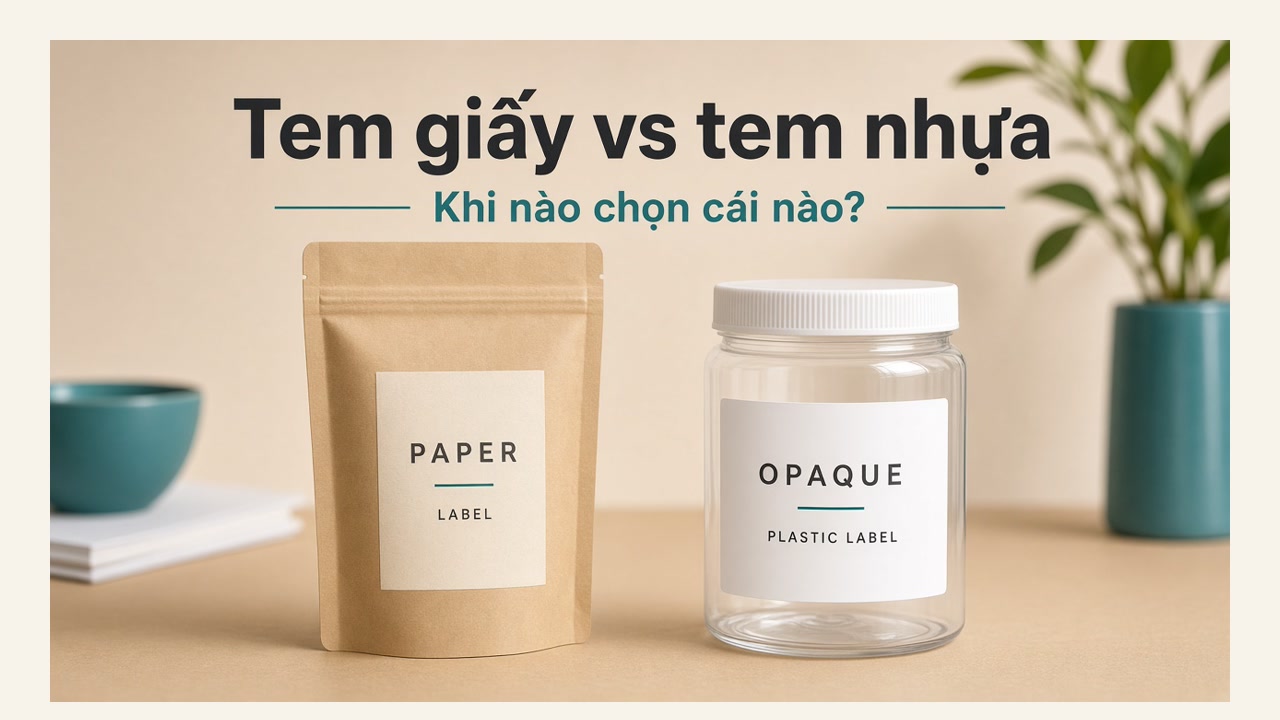
Paper vs plastic labels: when to choose which?
Head-to-head on cost, durability, surfaces, and fail cases — when paper is enough, when plastic is worth it, plus a checklist before you order.

Choosing label materials: paper, plastic, or clear?
A decision framework by surface, environment, and budget — quick overview of paper, PVC/PP/PET plastic, and clear labels to avoid peel-off and ink bleed.
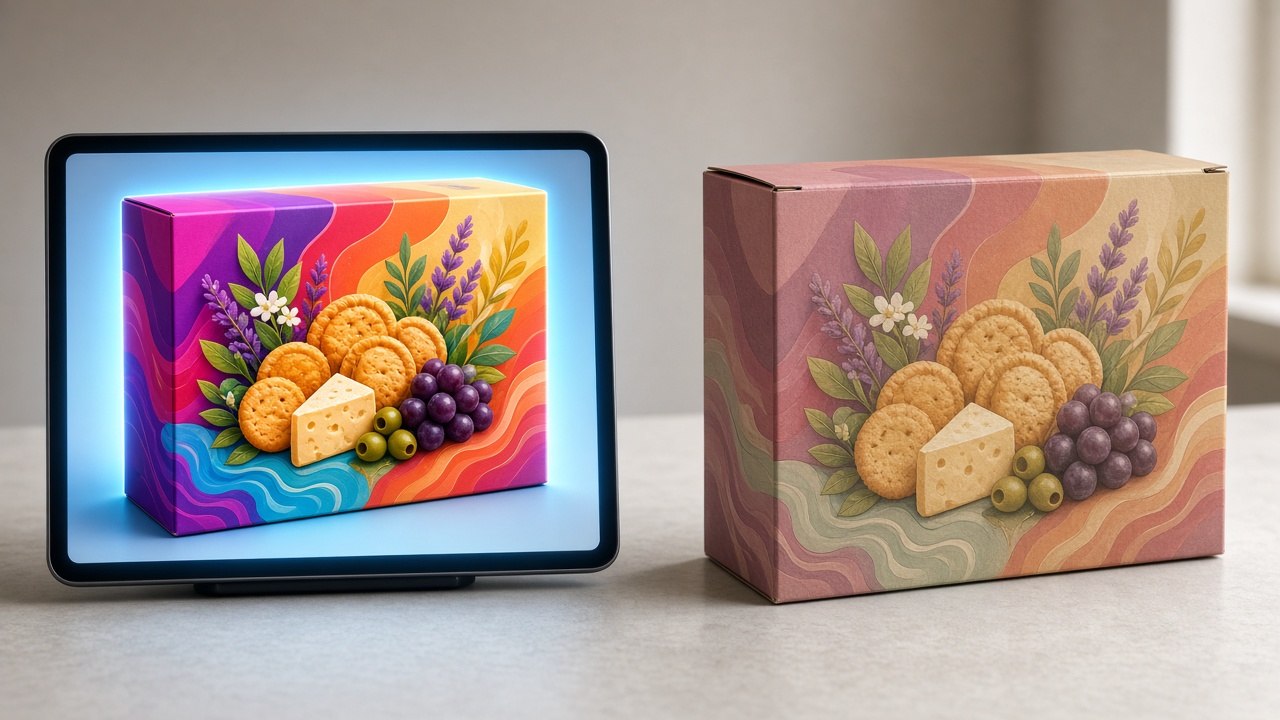
Eye-catching 3D, but the printed box is off-color why mockups still go wrong in print
A 3D preview is not a print-color certificate. Understand RGB/screen vs CMYK/paper and approve samples on the real substrate.
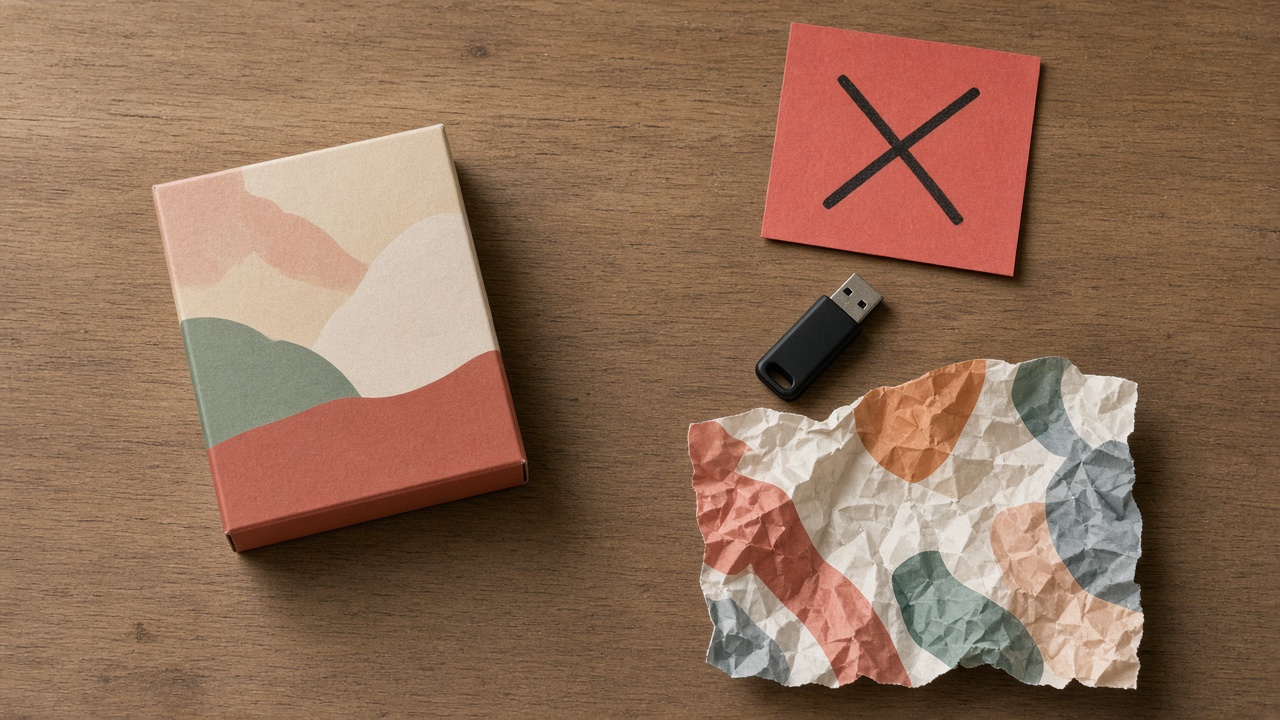
Waiting on the plant designer for every packaging edit: how to break the sample–revisereprint loop
Asking the plant to edit → sample → miss again burns time. How shops keep a master and only send near-final files.
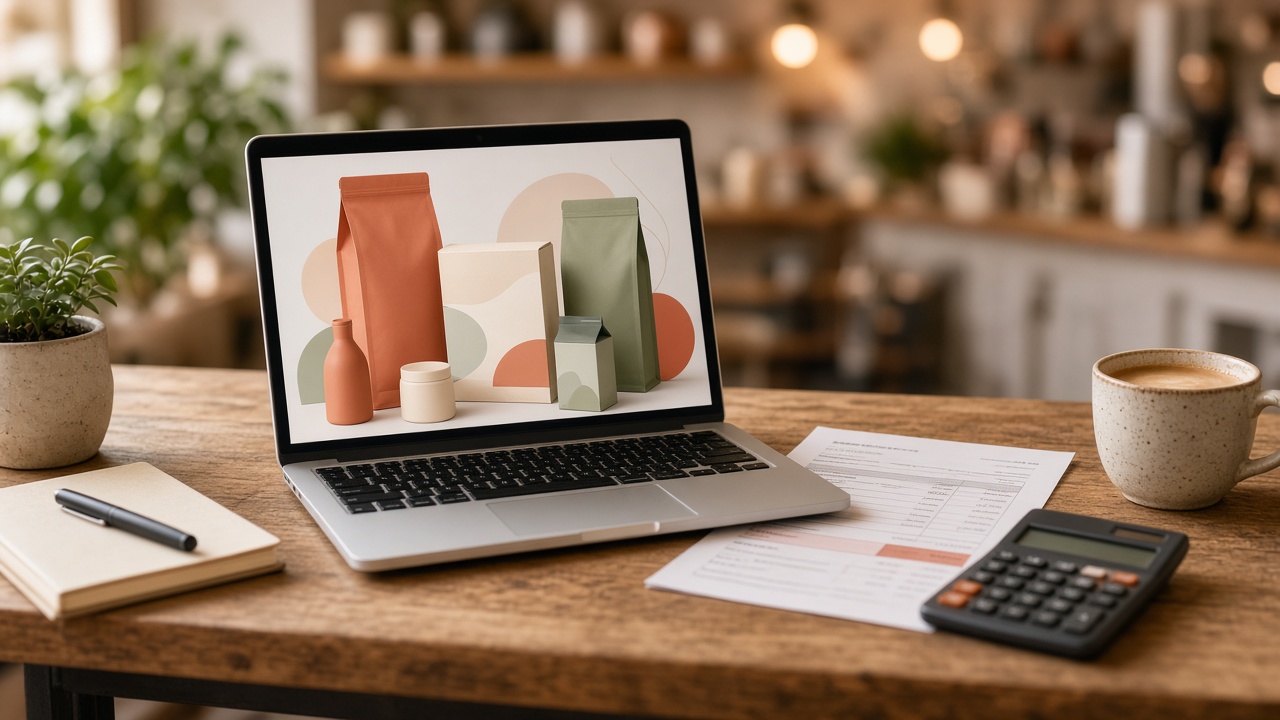
Hired a designer for a few million then every menu edit costs extra?
Constant F&B menu changes make repeating design hires expensive. How to keep a clean brand without bleeding revision fees when to hire, when to use a master template.
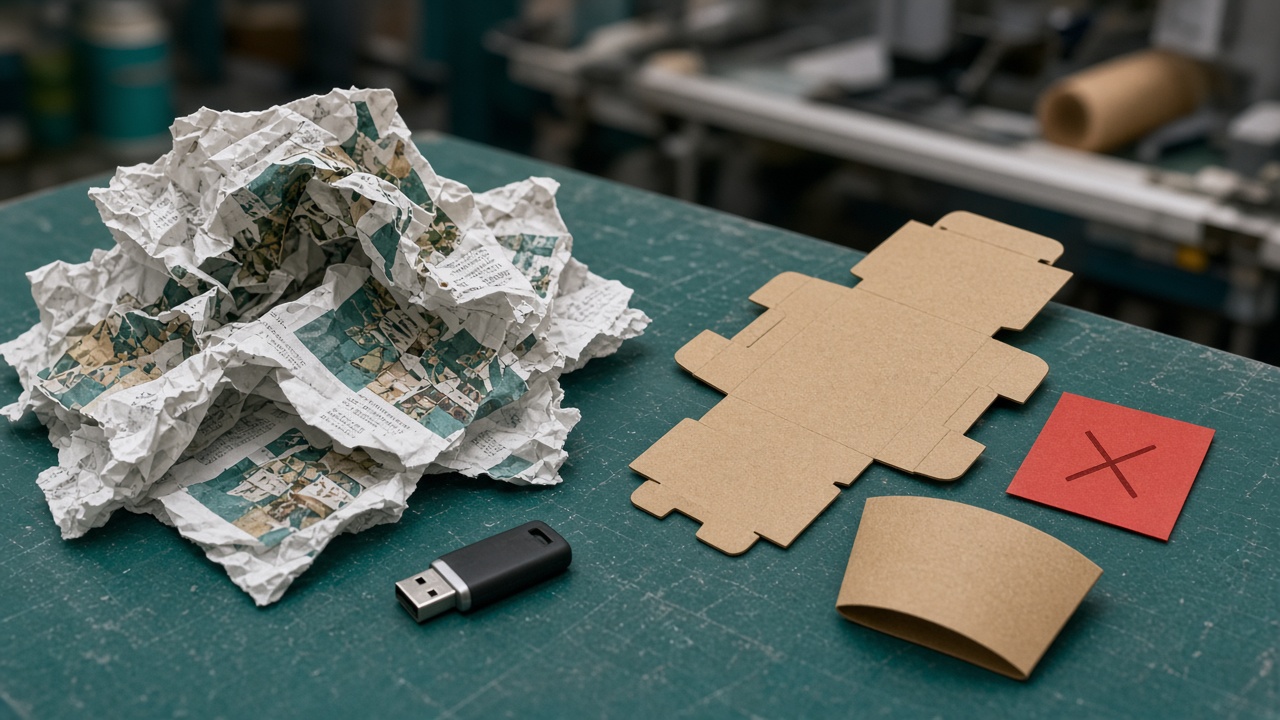
Printer rejected the shops file — 5 mistakes that get small orders kicked back
Small orders get kicked” when files have wrong format, missing bleed, RGB, fonts, or unclear size. 5 common mistakes and how to avoid them before you send.
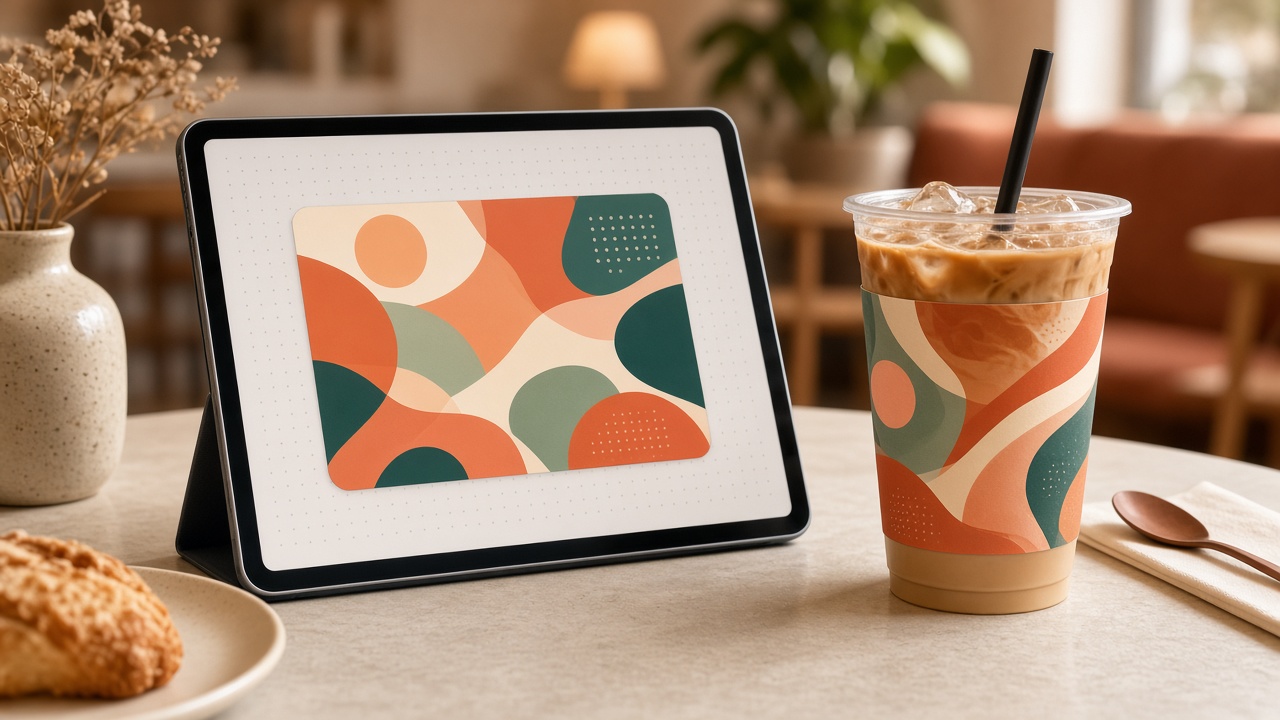
Make cafe / milk-tea cup labels without Illustrator
Seasonal F&B cup labels don’t need Illustrator if you have a 2D template and plant-ready export. A lean workflow for cafe and milk-tea owners.
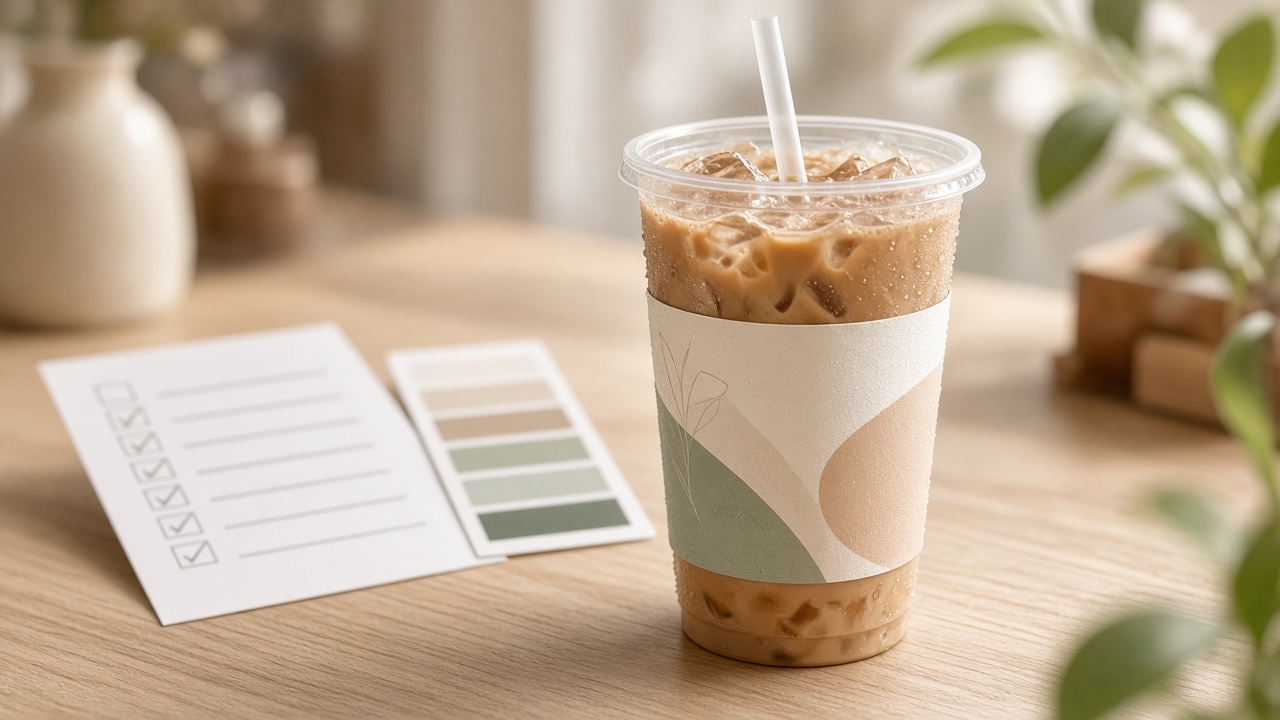
Checklist before printing cafe & milk-tea cup labels
One bad cup-label run makes a whole batch of drinks look bad. Checklist for size, print-ready files, content, substrate, and proofing for cafes & milk-tea shops.

Design packaging yourself without Illustrator
You don’t need Illustrator to design good packaging. Compare Canva, Figma, Printaz, and freelancers — pick by print output, not by locking into one category.
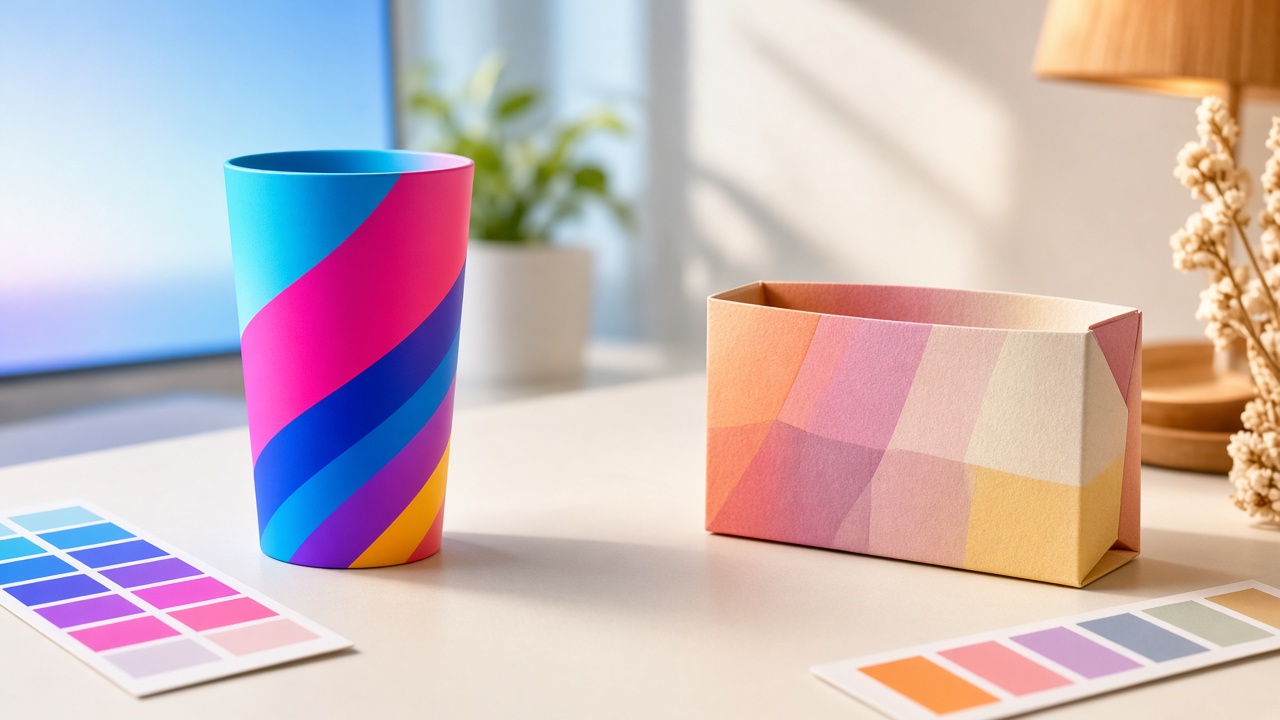
RGB vs CMYK — what shop owners need to know
Why designs look great on screen but packaging prints dull? Understand RGB vs CMYK, Pantone, and how to approve color before a bulk run.
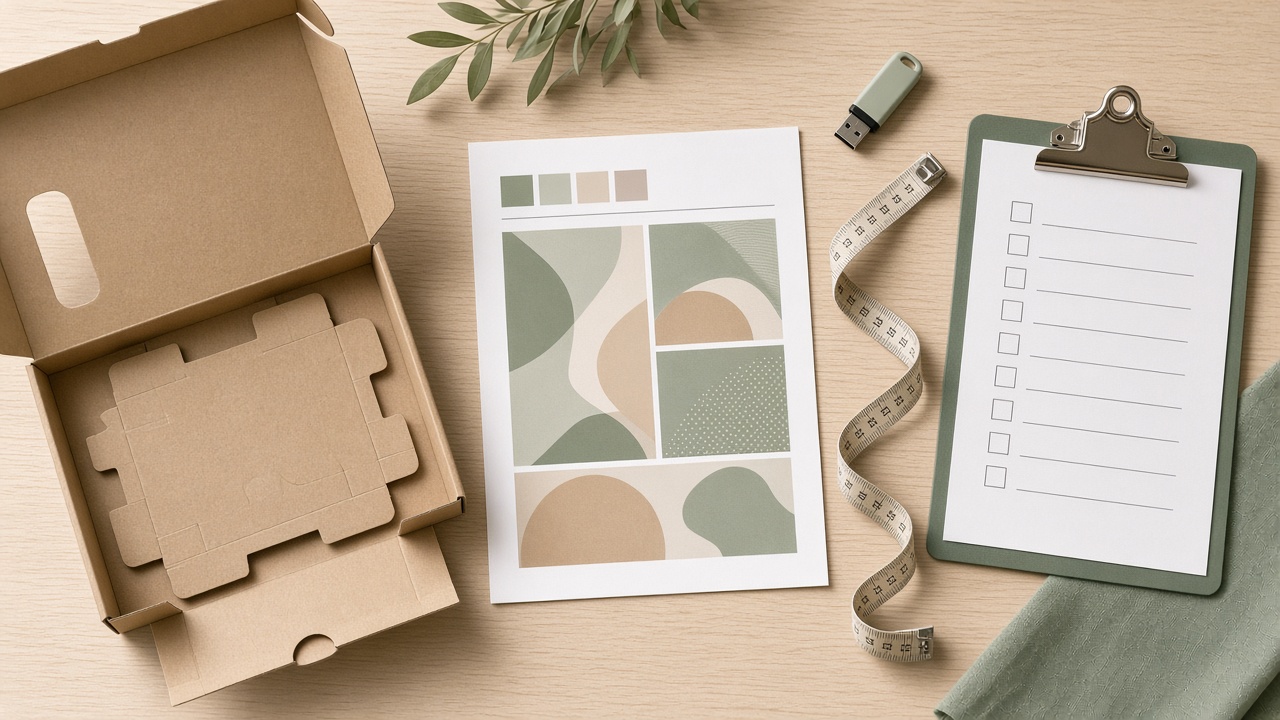
Checklist for sending packaging print files to the printer
Sending packaging files to the plant without a careful check easily causes waste and wrong color. A 7-step checklist before you send — for boxes, labels, and bags across categories.